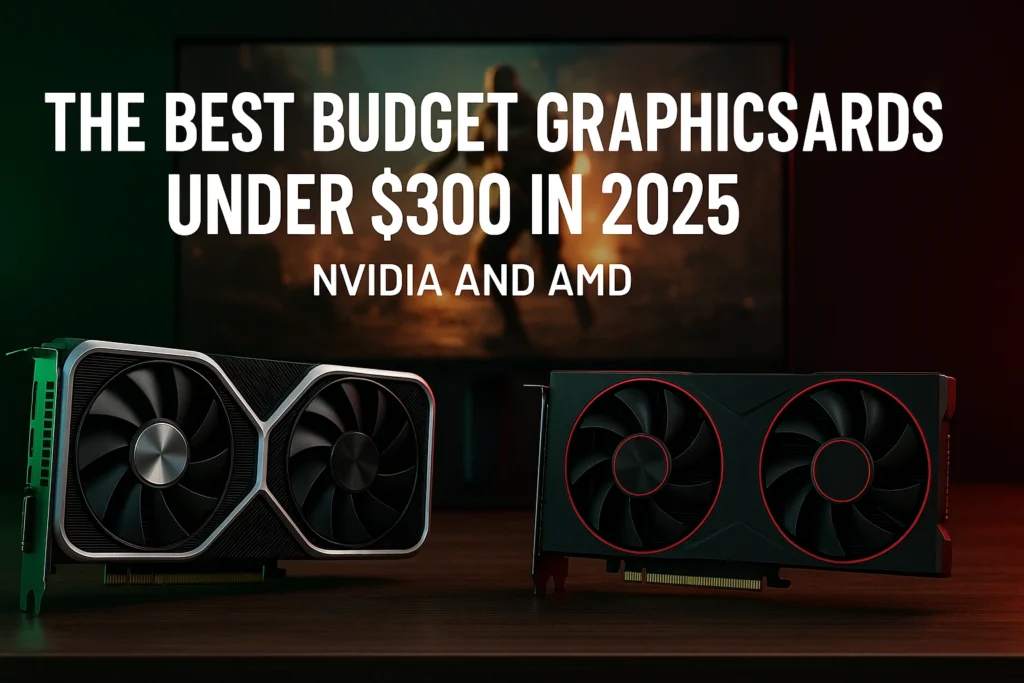

The hunt for a powerful gaming rig on a tight budget can feel like a never ending quest. With component prices in constant flux, the $300 mark has become the critical sweet spot for gamers aiming for solid 1080p performance. You don’t have to settle for low settings or sluggish frame rates. Choosing the right budget graphics card is the single most impactful decision in a cost effective build.
This guide dives into the current GPU market landscape. We’ve analyzed the latest releases and price drops to identify the best budget graphics cards under $300 in 2025. We will show you which models offer the ultimate price to performance ratio, ensuring you get the most out of every dollar you spend.
Our Top Picks The Best Budget Graphics Cards Under $300
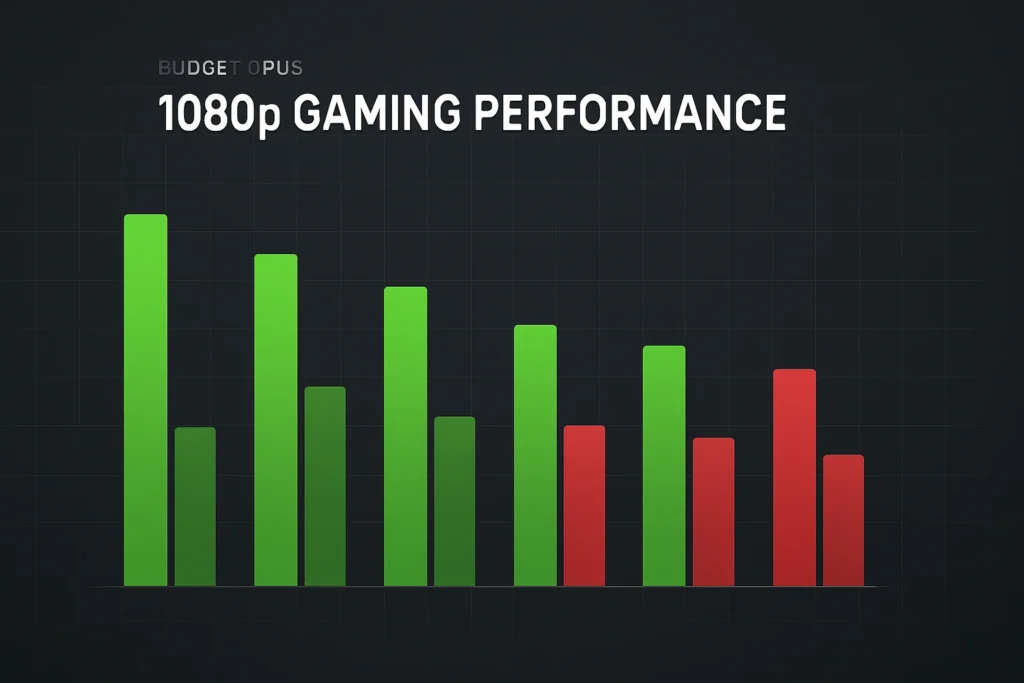
A GPU in this affordable graphics cards segment must deliver consistent 60+ Frames Per Second (FPS) in most modern titles at 1080p resolution. While a few options fit the bill, our picks prioritize stability, long term driver support, and essential modern features.
Recommended NVIDIA GPU (Best Feature Set)
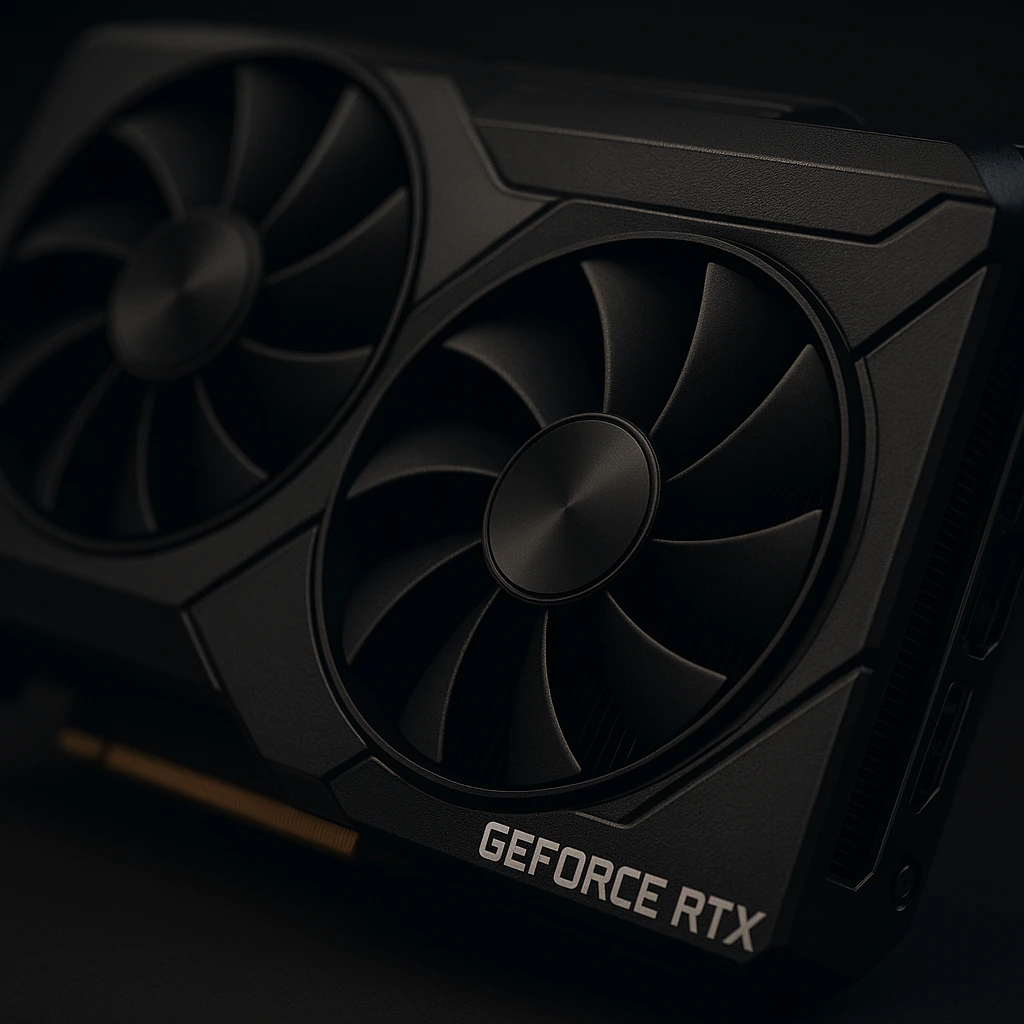
If your priority is image quality and a superior upscaling suite, an NVIDIA card is usually the answer. Look for the best performing card in the GeForce RTX 3000 series that falls into this price bracket. It provides access to DLSS (Deep Learning Super Sampling). DLSS is currently considered the industry leader for upscaling, providing sharp images while granting a significant boost to budget GPU performance.
For users who also work with content creation, rendering, or editing workflows, NVIDIA cards in this range can double as capable creator GPUs. You can explore a more detailed breakdown of professional and creative GPU options here Best GPUs for Video Editing and Rendering in 2025.
Recommended AMD GPU (Best Price to Performance)
AMD’s recent Radeon RX offerings often beat their NVIDIA counterparts on raw performance per dollar. These cards are the champions of raw horsepower for the best sub $300 graphics cards. They deliver high frame rates in traditional rasterized gaming. They are an excellent choice for gamers who prioritize smooth, high FPS experiences in eSports titles and modern AAA games without heavily relying on advanced features like Ray Tracing.
The Best Value GPU for eSports and Starter Builds
For dedicated eSports players (like CS2, Valorant, Dota 2), a card that delivers ultra high refresh rates is key. You can often save even more money by opting for a highly optimized, slightly less powerful card. This segment of the market offers fantastic entry level gaming performance that will easily exceed 144 FPS in competitive titles. These smaller, more power efficient models are also ideal for Mini ITX or small form factor PC building tips.
Buying Guide What Makes a Great Budget GPU?
When evaluating affordable graphics cards, many gamers focus only on the GPU’s name. However, the internal specifications are what truly dictate your gaming experience. For an informed decision, you must look beyond the marketing.
VRAM Requirements Why 8GB is the Minimum in 2025
Video Random Access Memory (VRAM) is crucial for holding game textures, especially at higher settings. In 2025, 6GB of VRAM is quickly becoming a bottleneck for new AAA games, even at 1080p. To ensure your graphics processing unit (GPU) has a reasonable lifespan, we strongly recommend a minimum of 8GB of VRAM. Less than that will force you to reduce texture quality, which heavily impacts visual fidelity.
The Importance of the Memory Bus and Clock Speed
The Memory Bus determines how much data can move between the GPU core and the VRAM. A wider bus (e.g., 128 bit or higher) is generally better. Clock speed, measured in Megahertz (MHz), indicates the core’s speed. High clock speed helps, but a balanced design with a respectable memory bus is often more beneficial for consistent 1080p gaming performance.
1080p vs. 1440p Performance Expectations (Frames Per Second)
The best budget graphics cards under $300 in 2025 are primarily 1080p cards. This means they are designed to achieve 60+ Frames Per Second (FPS) at that resolution. While some titles might reach playable frame rates at 1440p using upscaling (DLSS/FSR), do not expect 60 FPS in every game at this higher resolution. For consistent 1440p performance, you will generally need to increase your budget.
Feature Showdown DLSS vs. FSR for Budget GPU Performance
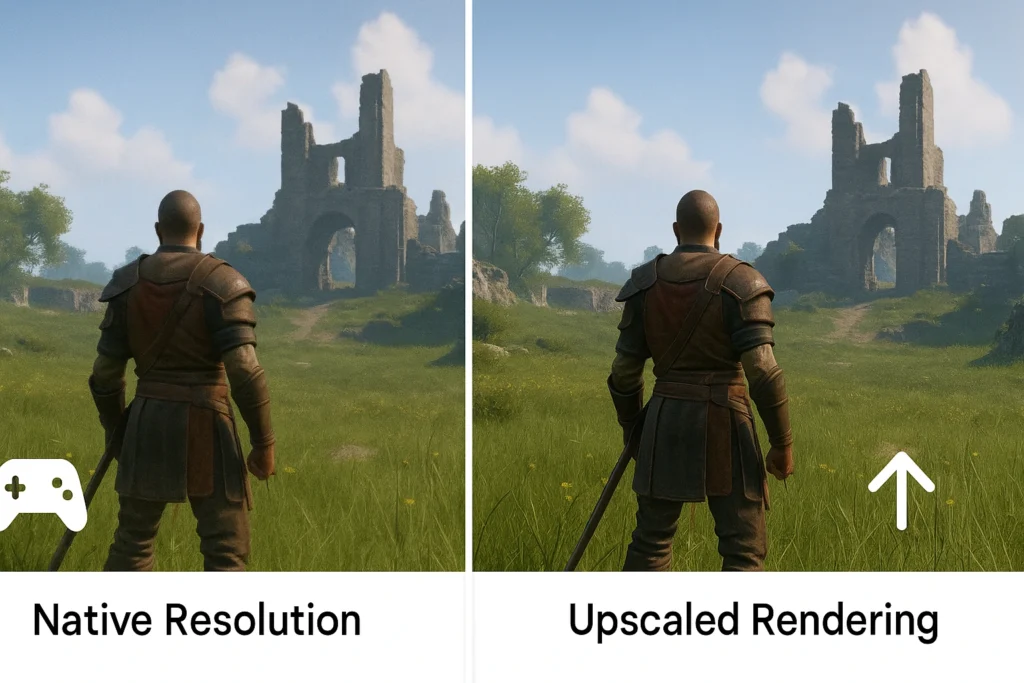
Modern GPUs are defined by more than just raw power; software features play a massive role. Upscaling technology is a lifesaver for budget GPU performance, allowing the card to render a game at a lower, less demanding resolution and then use AI/smart algorithms to upscale it to your native resolution.
NVIDIA DLSS Better Image Quality at a Cost
NVIDIA’s DLSS utilizes dedicated Tensor Cores on GeForce RTX cards. This hardware acceleration delivers remarkably sharp, high quality images that can often look better than the native resolution. The main drawback is that it is proprietary and only works on games that specifically implement it, meaning its availability can be limited on some titles.
AMD FSR Widely Available and a Huge Boost to FPS
AMD’s FidelityFX Super Resolution (FSR) is an open source solution that works on nearly all modern GPUs, including older NVIDIA cards. While the image quality is sometimes slightly less refined than DLSS, its compatibility is unmatched. FSR is a massive help in stretching the power of cheap GPUs and giving you the highest possible FPS.
Ray Tracing Can Budget GPUs Handle It?
Ray Tracing (RT) is a visually stunning lighting technology, but it comes with a steep performance cost. While many best budget graphics cards under $300 in 2025 technically support RT, turning it on often drops your FPS below a playable threshold. You must use a strong upscaling solution (DLSS or FSR) concurrently to make RT remotely usable in this segment. For most budget gamers, it’s a feature to keep off.
Critical Hardware Consideration Power Supply and Bottlenecks
A common mistake among first time builders is ignoring the supporting hardware. A GPU is only as good as the power it is supplied and the CPU it is paired with. Cutting corners here can lead to unstable performance or even component failure.
How Much Power Does a Budget GPU Need? (PSU requirements)
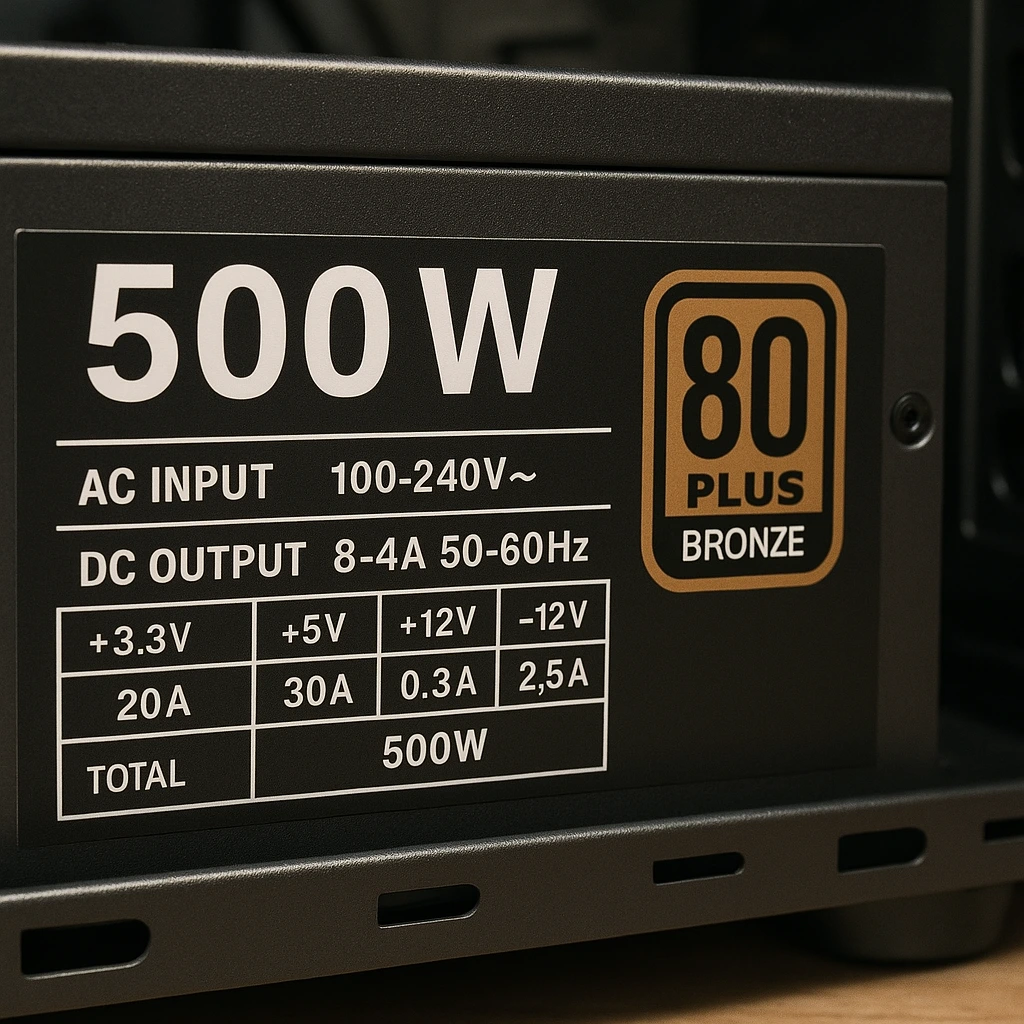
Even entry level gaming GPUs require a stable and clean source of power. While the GPU itself might only draw 150 200W, the entire system needs overhead. A quality Power Supply Unit (PSU) is non negotiable. Look for PSUs from reputable brands with a rating of 550W to 650W and an 80+ Bronze certification. This will give you the necessary headroom without being overly expensive Guide to PSU Ratings.
Avoiding the CPU Bottleneck in Budget Gaming PC Builds
A “bottleneck” happens when your Central Processing Unit (CPU) can’t feed data to the GPU fast enough. If you pair a brand new budget graphics card with a very old or very weak CPU, you won’t see the expected performance gains. Always ensure your CPU is reasonably modern (e.g., within the last 5 to 7 years) and has a decent core count to match the new card.
Is the Budget GPU the Right Upgrade for My Current PC?
Before you install a new Radeon RX or GeForce RTX card, check your current case space and motherboard compatibility. Ensure you have the correct PCIe slot (ideally PCIe 4.0, but PCIe 3.0 will work) and enough physical space. These practical PC building tips prevent disappointment when your new component doesn’t fit.
Smart Shopping New vs. Used Graphics Cards
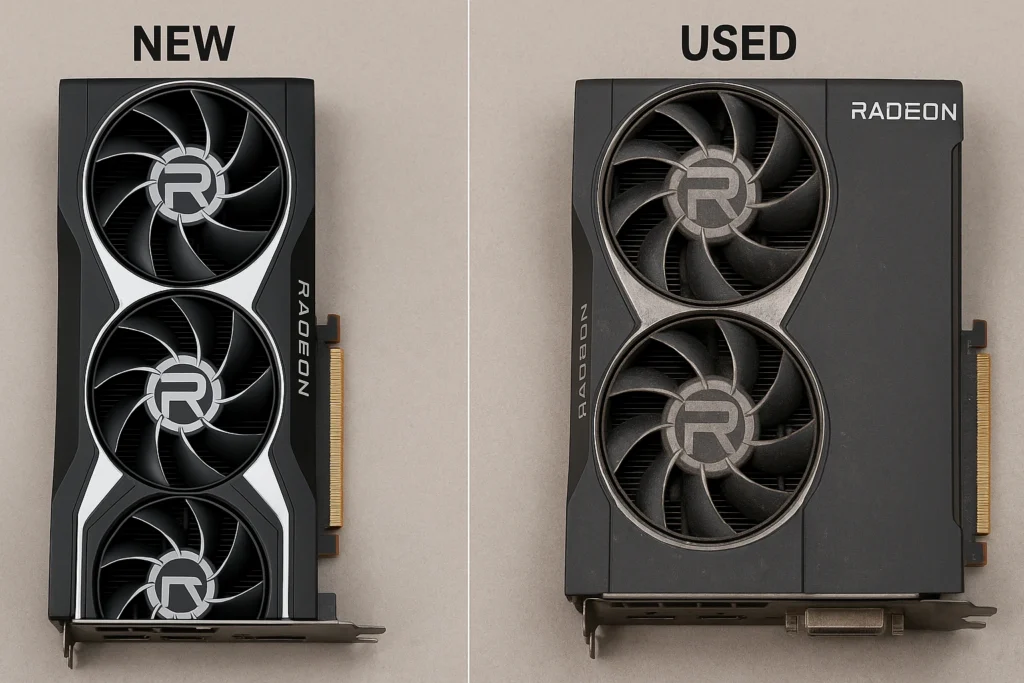
The $$$300 budget is challenging, but savvy shopping can stretch your dollars further. Weighing the pros and cons of new versus used can unlock higher tier performance.
The Benefits and Risks of Buying a Pre Owned Budget GPU
Buying a used GPU, especially a recently discontinued mid range GPU, can net you performance equivalent to a new $$$400 card for a budget price. This is an excellent route for achieving maximum best value cards. The risk, however, is the lack of a manufacturer’s warranty. Only purchase from reputable sellers who offer a return policy and have positive reviews.
The Best Time of Year to Find a Deal on a Budget Graphics Card
GPU prices often fluctuate based on new product launches and holidays. You can often find better deals on slightly older series as manufacturers release new lines. Major shopping holidays like Black Friday, Cyber Monday, and even Amazon Prime Day can offer significant discounts on both NVIDIA and AMD cards, pushing better models into the sub $300 range.
Conclusion
Securing one of the best budget graphics cards under $300 in 2025 is entirely achievable with careful research. The key takeaways are to prioritize a minimum of 8GB VRAM, utilize intelligent upscaling like DLSS or FSR for frame rate boosts, and ensure your system has a reliable PSU. By focusing on price to performance and smart shopping, you can build a powerful 1080p machine that will handle the latest games with ease. Start your build today and enjoy high quality gaming without breaking the bank!
FAQ Section
Is a $300 graphics card good enough for 1080p gaming in 2025?
Yes, a well chosen $300 graphics card is perfectly adequate for 1080p gaming in 2025, often achieving 60 100+ FPS in most modern AAA titles, especially when utilizing FSR or DLSS.
What is the minimum VRAM needed for new games in 2025?
We recommend a minimum of 8GB of VRAM for comfortable 1080p gaming in 2025. Cards with less than 8GB will struggle with texture quality in newer, graphically intensive games.
Which is better for budget gaming, an NVIDIA or AMD graphics card?
For the best raw budget GPU performance (pure FPS), AMD often wins on price to performance. For superior features like high quality upscaling (DLSS) and better stability in creative apps, NVIDIA often has the edge.
Should I buy a used graphics card instead of a new one under $300?
Buying a quality, used mid range GPU can offer significantly better performance than a new budget card for the same price. However, you risk a lack of warranty, so purchase only from trusted sources.
How important is ray tracing on a budget graphics card?
Ray tracing is not a priority for budget graphics cards. While supported, enabling it will severely drop your frames per second (FPS). You should primarily focus on solid rasterized performance.