


Have you ever shifted your car into reverse, only to find your backup camera isn’t working? It’s frustrating, isn’t it? You rely on this essential tool to navigate tight spaces, avoid obstacles, and ensure safety while reversing. But when it suddenly fails, you’re left wondering, “Why isn’t my back camera working?” Whether it’s a black screen backup camera, a “No Signal” error, or a blurry image, these issues can disrupt your driving routine and even compromise safety.
The good news? Most backup camera troubleshooting steps are simple and can be done right at home. From cleaning the lens to checking the wiring, this guide will walk you through every possible fix. And if the problem persists, we’ll help you decide when it’s time to consult a mechanic or replace the camera altogether.
By the end of this article, you’ll have all the tools and knowledge to get your backup camera working again. Let’s dive in and solve this problem together!
Understanding Backup Camera Issues
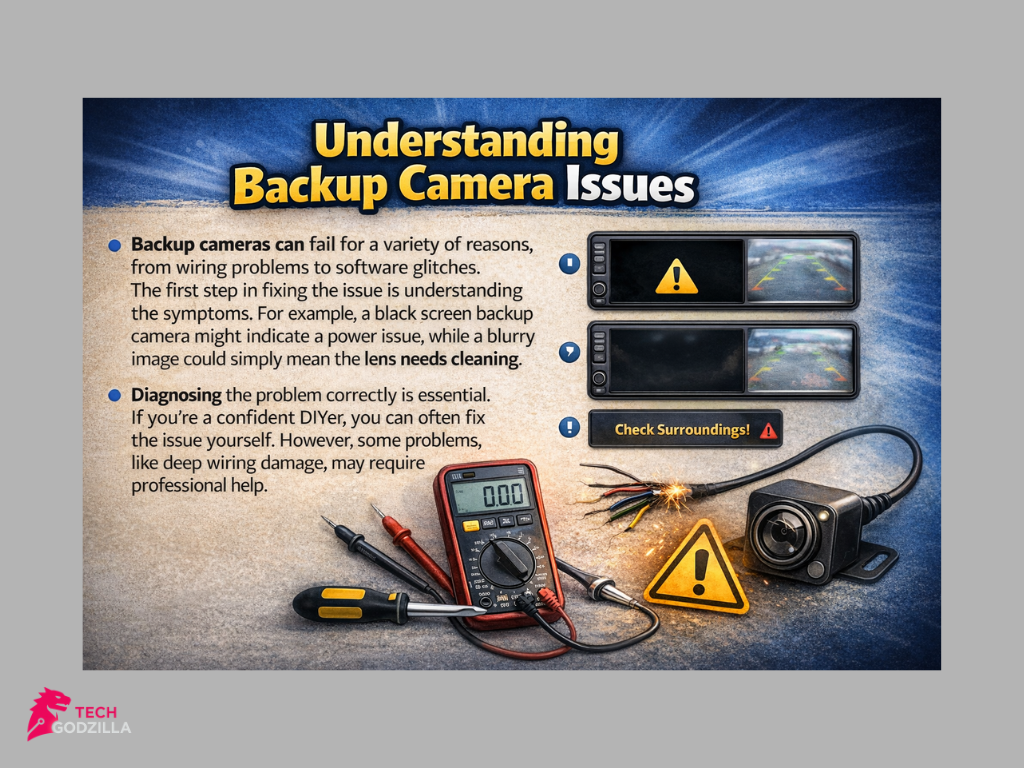
Backup cameras can fail for a variety of reasons, from wiring problems to software glitches. The first step in fixing the issue is understanding the symptoms. For example, a black screen backup camera might indicate a power issue, while a blurry image could simply mean the lens needs cleaning.
Diagnosing the problem correctly is essential. If you’re a confident DIYer, you can often fix the issue yourself. However, some problems, like deep wiring damage, may require professional help.
Why Is My Backup Camera Not Working?
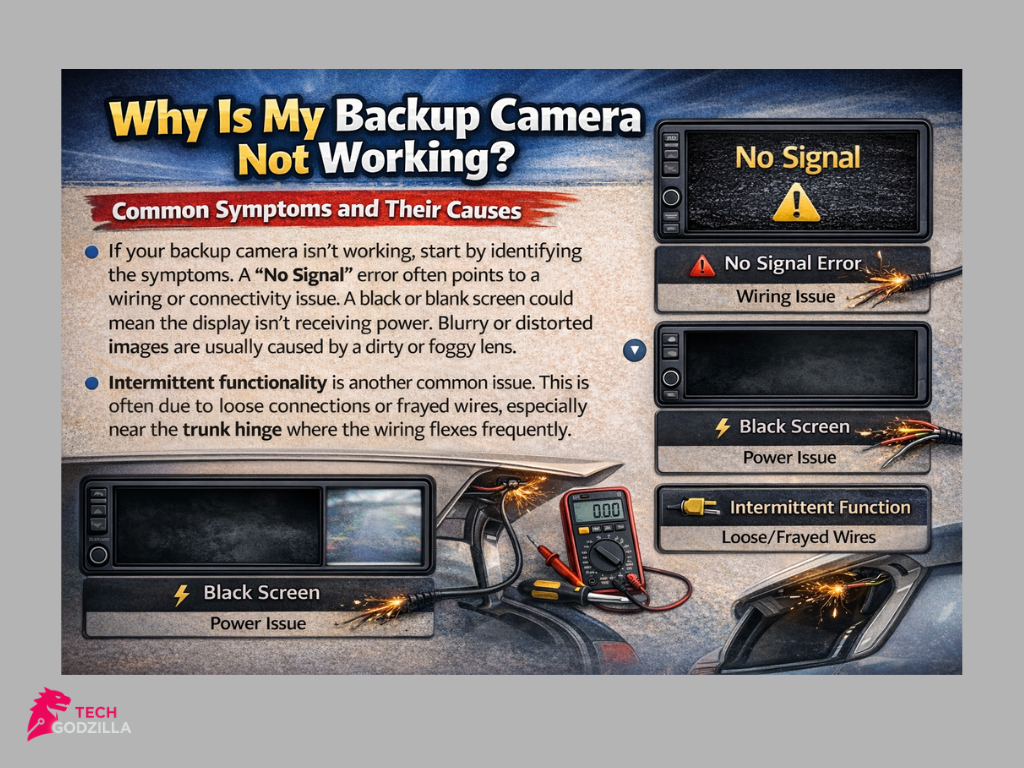
Common Symptoms and Their Causes
If your backup camera isn’t working, start by identifying the symptoms. A “No Signal” error often points to a wiring or connectivity issue. A black or blank screen could mean the display isn’t receiving power. Blurry or distorted images are usually caused by a dirty or foggy lens.
Intermittent functionality is another common issue. This is often due to loose connections or frayed wires, especially near the trunk hinge where the wiring flexes frequently.
Quick Troubleshooting Guide
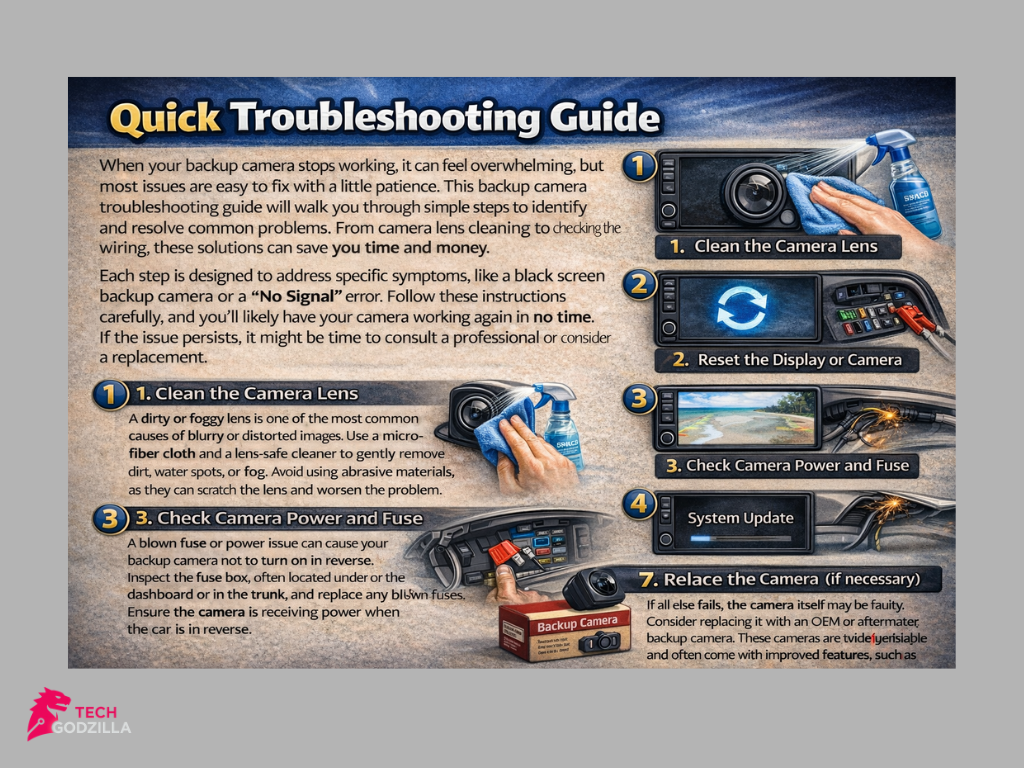
When your backup camera stops working, it can feel overwhelming, but most issues are easy to fix with a little patience. This backup camera troubleshooting guide will walk you through simple steps to identify and resolve common problems. From camera lens cleaning to checking the wiring, these solutions can save you time and money.
Each step is designed to address specific symptoms, like a black screen backup camera or a “No Signal” error. Follow these instructions carefully, and you’ll likely have your camera working again in no time. If the issue persists, it might be time to consult a professional or consider a replacement.
Clean the Camera Lens
A dirty or foggy lens is one of the most common causes of blurry or distorted images. Use a microfiber cloth and a lens-safe cleaner to gently remove dirt, water spots, or fog. Avoid using abrasive materials, as they can scratch the lens and worsen the problem.
Reset the Display or Camera
Sometimes, a quick reset can resolve glitches in the system. Turn off your car, wait for 30 seconds, and restart it. For digital systems, check your infotainment menu for a factory reset for backup camera settings and follow the instructions.
Check Camera Power and Fuse
A blown fuse or power issue can cause your backup camera not to turn on in reverse. Inspect the fuse box, often located under the dashboard or in the trunk, and replace any blown fuses. Ensure the camera is receiving power when the car is in reverse.
Inspect Wiring and Connections
Loose or frayed wires are a common cause of backup camera wiring problems. Check the wiring near the trunk hinge, as this area flexes frequently and is prone to damage. Secure any loose connections and repair or replace damaged wires.
Evaluate the Display Unit
If the monitor won’t power on, test it with another video source to determine if the issue lies with the display or the camera. A faulty display can often mimic the symptoms of a black screen backup camera, so this step is crucial.
Perform a Software Update or Factory Reset
Outdated firmware can lead to glitches like a “No Signal” error or frozen images. Check your vehicle’s infotainment system for updates and follow the manufacturer’s instructions to install them. If updates don’t work, perform a factory reset to restore default settings.
Replace the Camera (if necessary)
If all else fails, the camera itself may be faulty. Consider replacing it with an OEM or aftermarket backup camera. These cameras are widely available and often come with improved features, such as better resolution or wireless connectivity.
Why Does My Backup Camera Say “No Signal”?
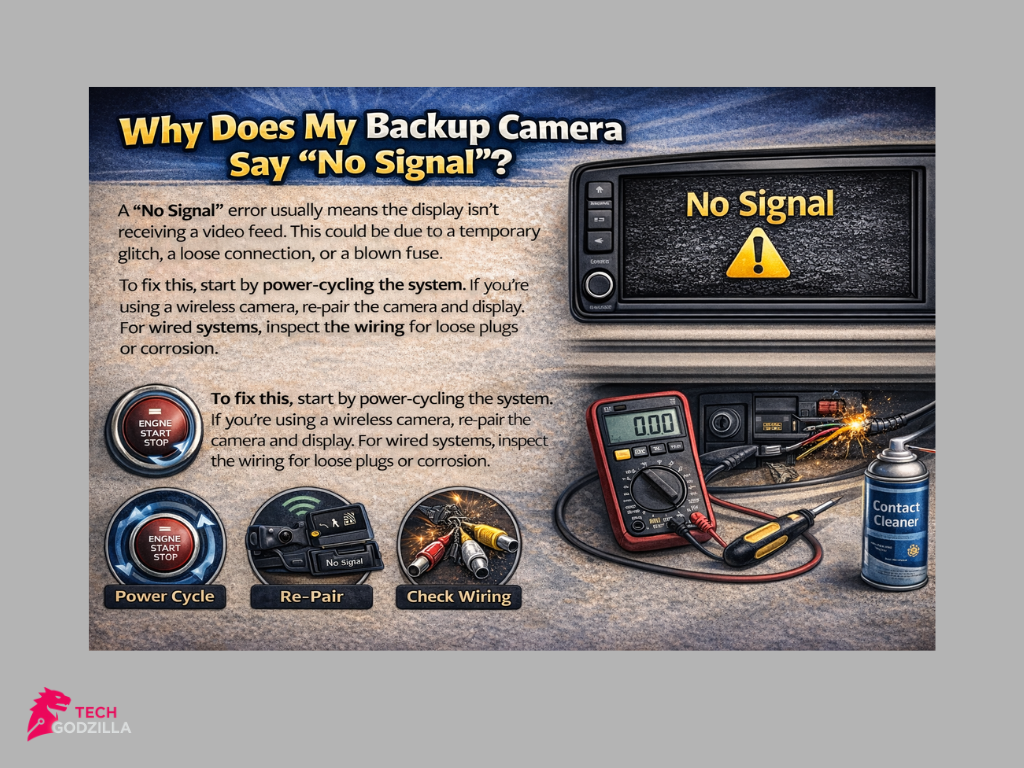
A “No Signal” error usually means the display isn’t receiving a video feed. This could be due to a temporary glitch, a loose connection, or a blown fuse.
To fix this, start by power-cycling the system. If you’re using a wireless camera, re-pair the camera and display. For wired systems, inspect the wiring for loose plugs or corrosion.
Why Is My Backup Camera Screen Black or Blank?
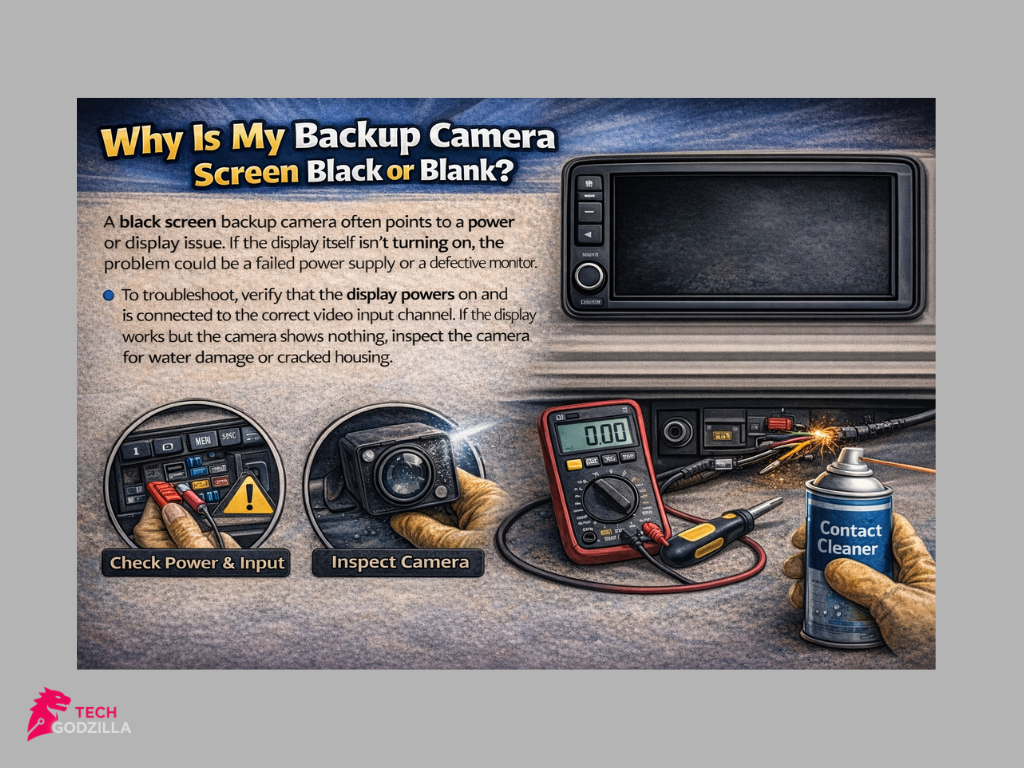
A black screen backup camera often points to a power or display issue. If the display itself isn’t turning on, the problem could be a failed power supply or a defective monitor.
To troubleshoot, verify that the display powers on and is connected to the correct video input channel. If the display works but the camera shows nothing, inspect the camera for water damage or cracked housing.
Why Is My Backup Camera Black and White?
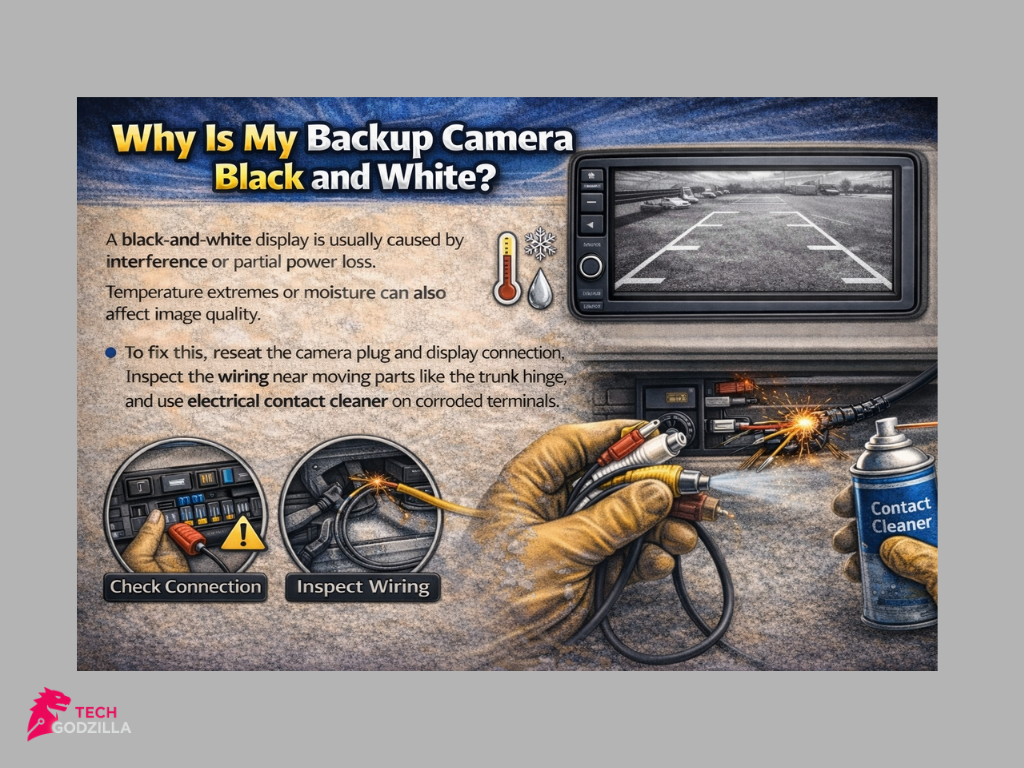
A black-and-white display is usually caused by interference or partial power loss. Temperature extremes or moisture can also affect image quality.
To fix this, reseat the camera plug and display connection. Inspect the wiring near moving parts like the trunk hinge, and use electrical contact cleaner on corroded terminals.
Preventive Maintenance for Backup Cameras
Regular maintenance can prevent most common backup camera problems. Clean the lens weekly with a microfiber cloth and apply a hydrophobic coating to repel water and fog.
Inspect the wiring near the trunk hinge for wear and tear. Running occasional resets or software updates can also help keep your system running smoothly.
When to Consult a Mechanic
Some issues require professional help. If your screen stays blank after resets and wiring checks, or if you notice repeated blown fuses, it’s time to visit a mechanic.
A professional can safely handle complex electrical systems and embedded displays, ensuring the problem is resolved without causing further damage.
Backup Safety Tips If the Camera Fails
If your backup camera isn’t working, don’t panic. Use your mirrors actively and reverse slowly. Roll down your window to listen for approaching people or vehicles.
If visibility is limited, ask a passenger to guide you. Avoid risky maneuvers like squeezing into tight spaces until your camera is fixed.
What If I Need a New Backup Camera?
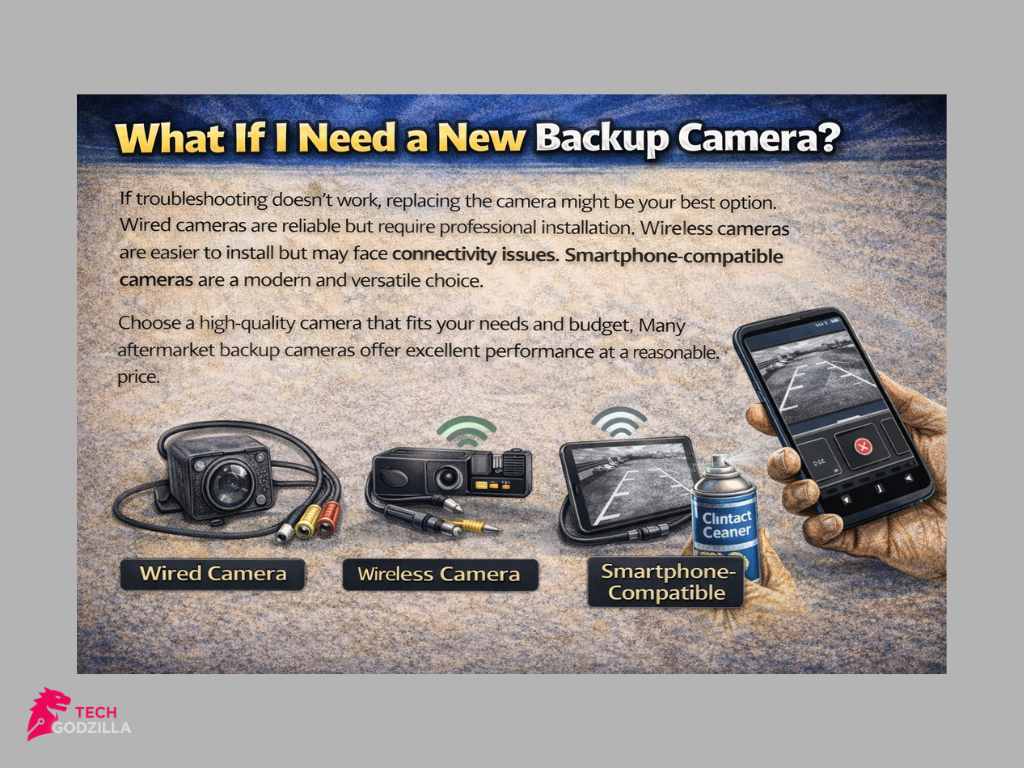
If troubleshooting doesn’t work, replacing the camera might be your best option. Wired cameras are reliable but require professional installation. Wireless cameras are easier to install but may face connectivity issues. Smartphone-compatible cameras are a modern and versatile choice.
Choose a high-quality camera that fits your needs and budget. Many aftermarket backup cameras offer excellent performance at a reasonable price.
If you want to read more helpful guides on cameras and tech tips, click here for more blogs.
Conclusion
Fixing a backup camera might seem daunting at first, but with the right steps, it’s often easier than you think. Whether it’s a “No Signal” error, a black screen backup camera, or blurry images, most issues can be resolved with simple troubleshooting like cleaning the lens, checking the wiring, or performing a reset. These small efforts can save you time, money, and the hassle of professional repairs.
If you’ve ever wondered, “Why isn’t my back camera working?”, this guide has shown that the answer is usually within reach. Backup cameras are vital for safe driving, and keeping them in good condition ensures you can reverse with confidence. Remember, regular maintenance and quick action when problems arise can prevent bigger issues down the road.
When all else fails, don’t hesitate to consult a mechanic or explore aftermarket backup cameras for a reliable replacement. With a little care and attention, you’ll have your backup camera working smoothly again, making every drive safer and stress-free.
“If your backup camera still isn’t working, consult a professional or explore high-quality aftermarket options.
FAQs
Why is my iPhone back camera not functioning?
Your iPhone’s back camera may not function due to software glitches, outdated iOS, or hardware issues like a damaged lens or sensor. Restarting your phone or updating the software often resolves minor problems. If the issue persists, it could be a hardware fault requiring professional repair.
How do I reset my back camera?
To reset your back camera, close the Camera app and restart your iPhone. If the issue continues, go to Settings > General > Reset > Reset All Settings. This won’t delete your data but will reset system settings, which can fix camera-related glitches.
Why is my phone camera showing a black screen?
A black screen on your phone camera can occur due to a software bug, insufficient memory, or a hardware issue. Try force-closing the Camera app, restarting your phone, or switching between the front and back cameras. If the problem persists, it may require a factory reset or repair.
Why is my front iPhone camera not working?
The front camera may stop working due to software errors, physical damage, or dirt blocking the lens. Clean the lens gently and ensure your iOS is up to date. If the issue remains, contact Apple Support for further assistance.
How do I fix my iPhone camera black screen?
To fix a black screen on your iPhone camera, try these steps:
Force-close the Camera app and reopen it.
Restart your iPhone.
Update your iOS to the latest version.
If none of these work, reset all settings or contact a professional for repair.
Why do my back camera and flashlight not work?
If both the back camera and flashlight aren’t working, it’s likely a hardware issue, such as a damaged camera module. Restart your phone and check for software updates. If the problem persists, visit an authorized repair center to diagnose and fix the issue.
Why did my backup camera stop working?
A backup camera may stop working due to wiring issues, a blown fuse, or a software glitch. Inspect the wiring and connections, reset the system, or check for updates in your car’s infotainment system. If the issue continues, consult a mechanic or replace the camera.
How to reset iPhone to fix camera?
To reset your iPhone and potentially fix camera issues, go to Settings > General > Reset > Reset All Settings. This will reset system settings without erasing your data. If the problem persists, consider a factory reset after backing up your data.
How much does it cost to fix an iPhone back camera?
The cost to fix an iPhone back camera depends on the model and the extent of the damage. On average, repairs range from $50 to $400. For newer models, the cost may be higher. Check with Apple Support or a certified repair center for an exact quote.